Finding the friction, then building the AI that fixes it.
I reframed “use AI to cut support load” into a staged system for a B2B payments company. The AI answers only the safe questions, citing a human-verified knowledge base, because a wrong answer costs a partner money.
- Role
- Product Manager
- Scope
- Problem reframing · Workflow tooling · AI product judgment
- Built with
- Claude · Claude Code · Markdown · Lark Bitable
- Status
- Shipped assets · pipeline live · red-teaming before partner rollout
Answer partners
Cited answers in the chat partners already use, or a clean handoff.
Answers
cited, or cleanly handed off
Capture product signal
Bugs, repeat questions, and feature asks, captured as structured input.
Signal
structured, not noise
Make support quality visible
Who answered, at what confidence, and whether it’s actually resolved.
Oversight
a management view, not a chat log
0 → 1, led end-to-end · piloting, with first steps already shipped · no invented metrics.
A couple of small shipped steps already cut load and seed the knowledge base.
That same signal, ranked by blast radius and shipped as fixes, is the Patch Track in CodePay · B2B Platform
Four decisions that shaped it
The brief was “use AI to cut support load.” These four calls made it safe enough to ship.
01 · Answer only what’s safe.
Every question gets typed: A config/how-to, B bug, C account-specific, D feedback. The AI answers Type A alone. B routes to an owner, C collects info and hands off, D becomes product signal. Type-A-only is the biggest risk-control decision in the system.
Every incoming question is typed: A config or how-to, B bug, C account-specific, D feedback. Only type A ends at the AI; B routes to an owner, C collects info and hands off to a human, D lands on the product signal board.
02 · Deflection over accuracy.
The target isn’t “answers well”; it’s questions resolved with no human needed, paired with wrong-answer rate. A confidently wrong answer about payment setup costs a partner real money. Knowing when not to answer is the product.
03 · The 20% that stays human.
Before automating knowledge intake, I ran the loop by hand on a real FAQ merge, then gave the AI the 80%: capture every conversation into the log, cluster and dedupe, draft the knowledge-base entries. The 20% that stays human: a person verifies every entry before the AI may cite it. Human-in-the-loop isn’t a limitation here. It’s the design.
AI accelerates the loop. It never skips the gate.
04 · Capture where partners talk. Answer where context lives.
Partners live in WeChat groups, so that’s where questions get captured. Answering is staged: internal first, then in-platform, where the system knows the partner, the device, the page, and the same question gets a precise answer instead of a generic one.
The knowledge architecture
Raw conversations → a human-reviewed knowledge table → the AI’s working knowledge. Humans maintain only the middle layer: when an answer is wrong, I ask “which entry did you use?”, fix that row, reload. Every answer cites its source: a closed correction loop. (I designed this before I knew it was called RAG.)
The schema carries trust, not just content: every entry holds its source thread, confidence, owner, last-verified date, applicability conditions, and common follow-ups.
chats · screenshots · machine-screen photos; nothing thrown away
every entry carries its trust metadata:
reads from the table and cites the source entry on every answer
the loop always lands on layer 2: fix the table, not the model
13 columns; every answer already carries its owner and a last-verified date.
A turn-level Capture Log lands beside the KB; every answer now traces back to a real thread.
One row = question + our answer + who answered. Turn-level rows were noise.
Every exchange now tracks resolution; the ops view runs on that difference.
column names verbatim from the working xlsx templates
And the table is a database, not a doc: every column is a filter, so the same rows serve all three jobs: verified entries gate what the AI may cite, status × resolution runs the ops view, and type-D slices surface product signal. Local sheet first, now mirrored in Notion with the schema intact.
the same table, sliced three ways: local sheet first, now mirrored in Notion, schema intact
From plan to running pipeline
A three-week POC with an engineering partner turned the design into a running system: WeChat groups → encrypted ingestion → OCR turns screenshots into searchable error codes and menu paths → daily distillation pairs threads, attributes merchants, classifies A–D, masks PII → a version-controlled source of truth syncs two-way with Notion, where ops reviews and every edit writes back.
The hardest mile: group-chat capture is the fragile part, so reliability is engineered around it: minute-level alerts, and gaps logged honestly instead of papered over.
Accepted against five metrics defined before the build: thread pairing · merchant attribution · capture completeness · account stability · OCR accuracy.
defined before the build, not after: acceptance was a checklist, not a vibe
Red-teaming it, right now
The bot answers real merchant questions in an internal group; the team grades every answer before a partner ever sees one. Where it has no answer, it says so and routes to a human, and the gap lands in an “open questions” view that becomes the wiki roadmap. The system tells us what to write next.
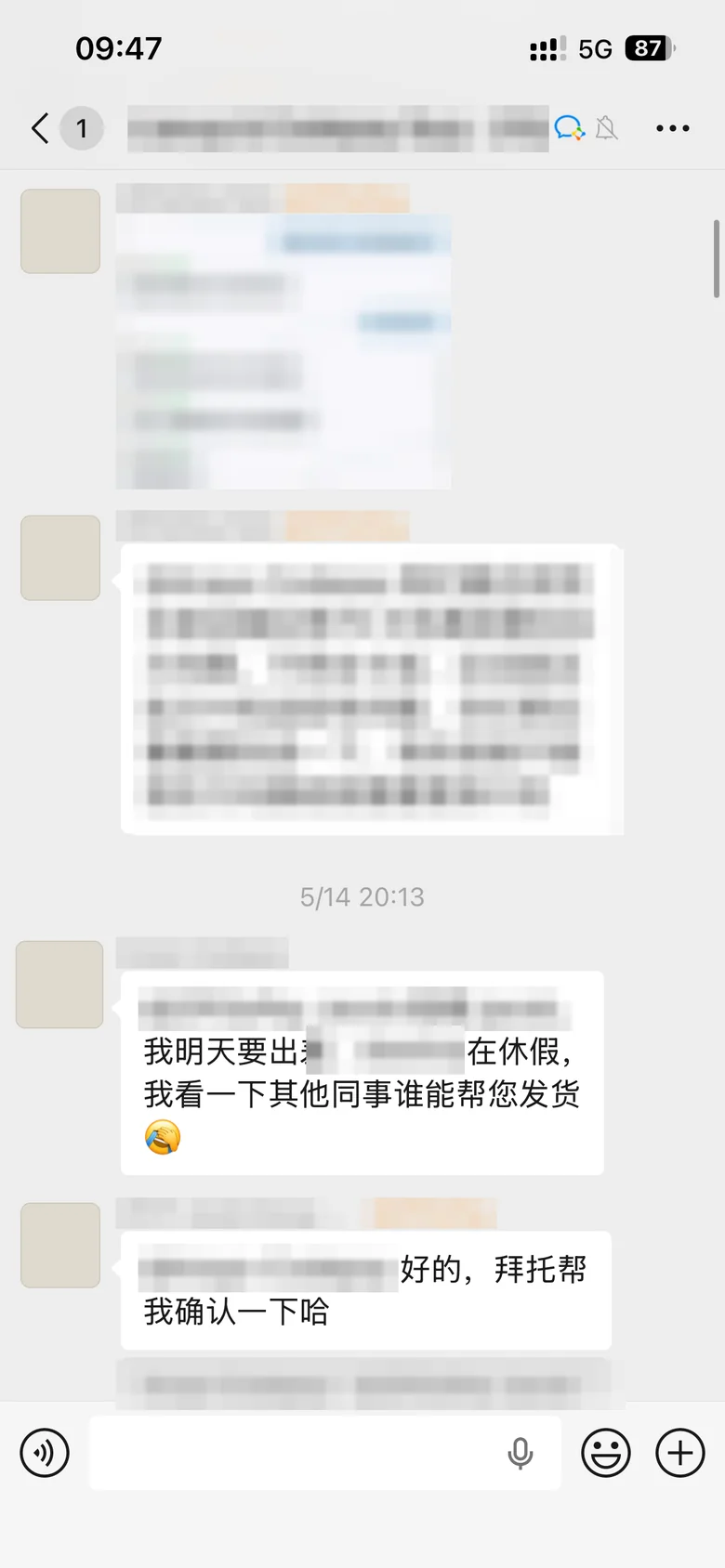 internal group · masked
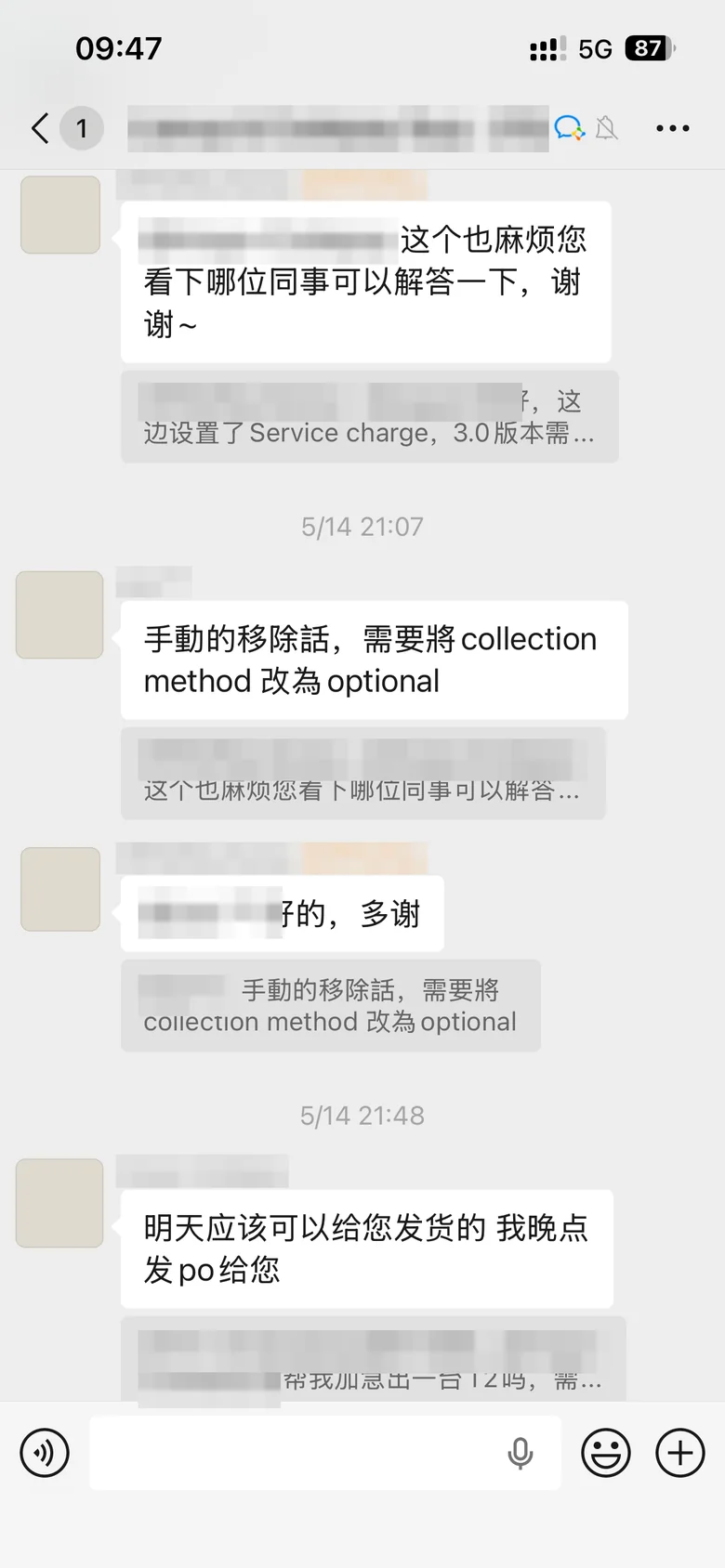 internal group · masked
Service charge shows on the receipt but not in the sales report. Why?
Can the P5 print duplicate receipts for delivery orders?
Left · real partner questions in the internal group, masked. Right · the two graded answer behaviors, shown as system mocks in the product’s chat language, not screenshots.
an illustrative view of the live board; the system tells us what to write next
Live pipeline, no invented metrics. When partner rollout ships, deflection and wrong-answer numbers replace the targets here; the story gets stronger without embellishment.

